
Why YouTube Ads Are Harder to Block in 2026 (SSAI Explained)

If you feel like your ad blocker suddenly stopped working on YouTube, you’re not alone. In 2026, YouTube ads are harder to block than ever, and many users are seeing ads, buffering, or delays even with popular blockers enabled.
This isn’t a bug or coincidence. YouTube has changed how ads are delivered, forcing ad-blocking tools to adapt.
What changed in YouTube ad delivery
In the past, YouTube ads were delivered as separate network requests. Ad blockers could easily detect and block those requests before the ad loaded.
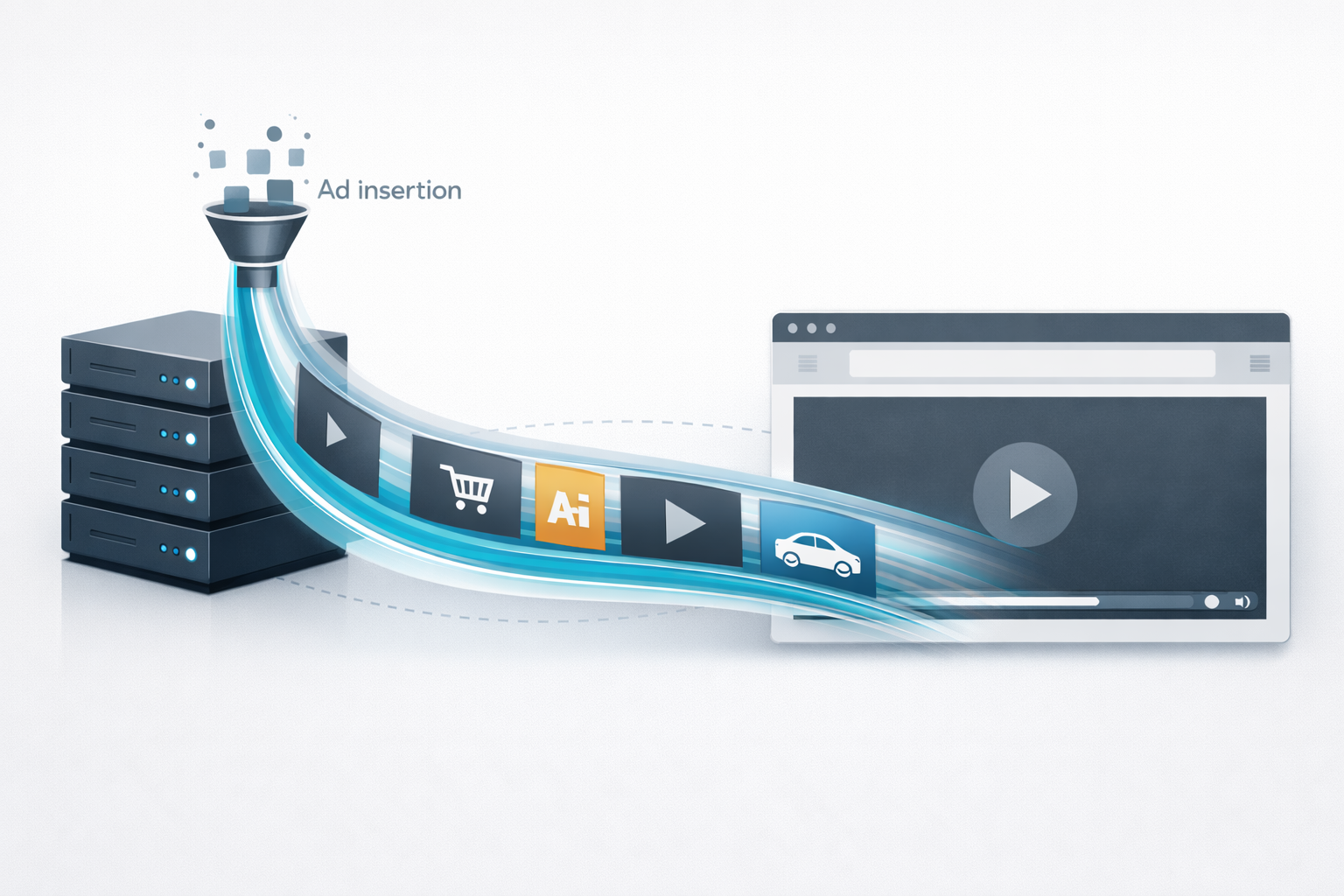
Today, YouTube increasingly relies on server-side ad injection (SSAI). Ads are stitched directly into the video stream on YouTube’s servers before the content reaches your browser.
To your device, the ad and the video appear as one continuous stream, making traditional request-based blocking far less effective.
Why most ad blockers fail on YouTube now
Most ad blockers were designed to stop ads by blocking known ad URLs or scripts. Server-side injection removes those clear signals.
As a result:
- There is no separate ad request to block
- Filter lists become less reliable
- YouTube can detect blocking behavior more easily
In some cases, YouTube introduces artificial delays that resemble ad duration, causing buffering or late video starts.
What still works in 2026
Ad blocking on YouTube isn’t dead, but it now depends heavily on how blocking is implemented.
More resilient approaches include:
- Browser-level blocking rather than simple extensions
- Network-level or DNS-based filtering
- Advanced cosmetic filtering to hide injected elements
- Using browsers with fewer extension restrictions
In real-world testing, browsers like Firefox and Brave tend to handle YouTube ads more effectively than heavily restricted environments.
Best setup for blocking YouTube ads today
For the best experience in 2026, users should focus on a balanced setup:
- Choose a browser that allows flexible content control
- Avoid stacking multiple heavy ad blockers
- Use lightweight tools optimized for modern ad delivery
- Keep extensions updated and minimal
This approach reduces detection risk while maintaining smooth playback.
Frequently asked questions
Why does YouTube buffer when I use an ad blocker?
YouTube may intentionally introduce delays when it detects ad-blocking behavior. These delays often mimic ad duration and are not caused by your internet connection.
Are ad blockers illegal on YouTube?
No. Using ad blockers is legal in most regions, though it may violate YouTube’s terms of service. Enforcement varies by account and browser.
Does switching browsers help?
Yes. Some browsers handle ad blocking more effectively due to fewer extension restrictions and built-in privacy protections.
Final thoughts
Blocking YouTube ads in 2026 is no longer about installing one filter list and forgetting about it. It requires smarter tools, better browser choices, and an understanding of modern ad delivery methods.
ProBlocker is designed with these modern challenges in mind, focusing on performance, compatibility, and a cleaner YouTube experience — without breaking video playback.